Custom CSS style
Last updated: August 17, 2026
Custom CSS style
To add custom CSS style:
- Go to: Theme settings > Style > Custom CSS style.
- Insert your custom CSS code into the "Custom CSS code" text area.
Custom CSS/SCSS files
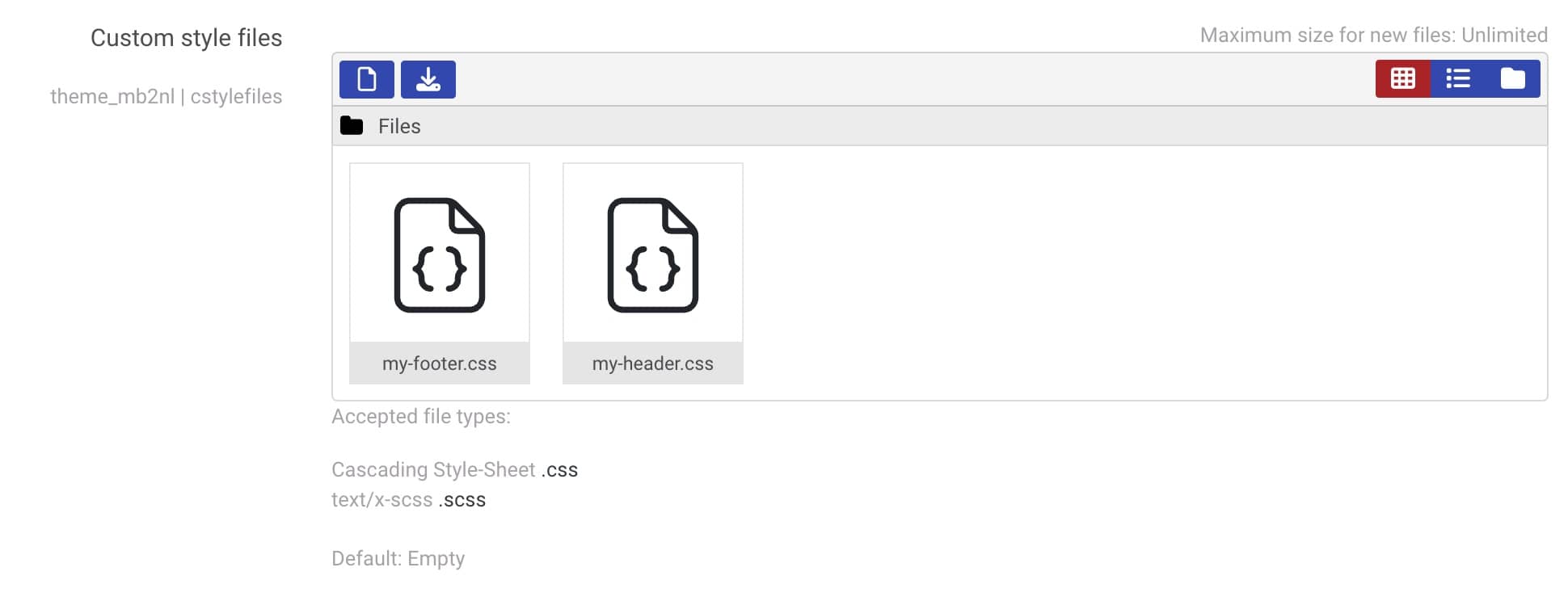
In the New Learning theme you can upload custom CSS/SCSS files:
- Go to: Theme settings > Style > Custom CSS style.
- Drag and drop files into the "Custom style files" area.
Always validate your CSS code before adding it to the theme. Invalid or incorrectly written CSS can cause errors during the theme rebuild and may result in unexpected display issues or broken layouts on your site.
We recommend validating your CSS before saving the changes. You can use the online CSS validator to check your code.
W3Schools: CSS Tutorial .