Main slider
Add pre-built slider
To add pre-built slider:
- Edit page with the Live Page Builder.
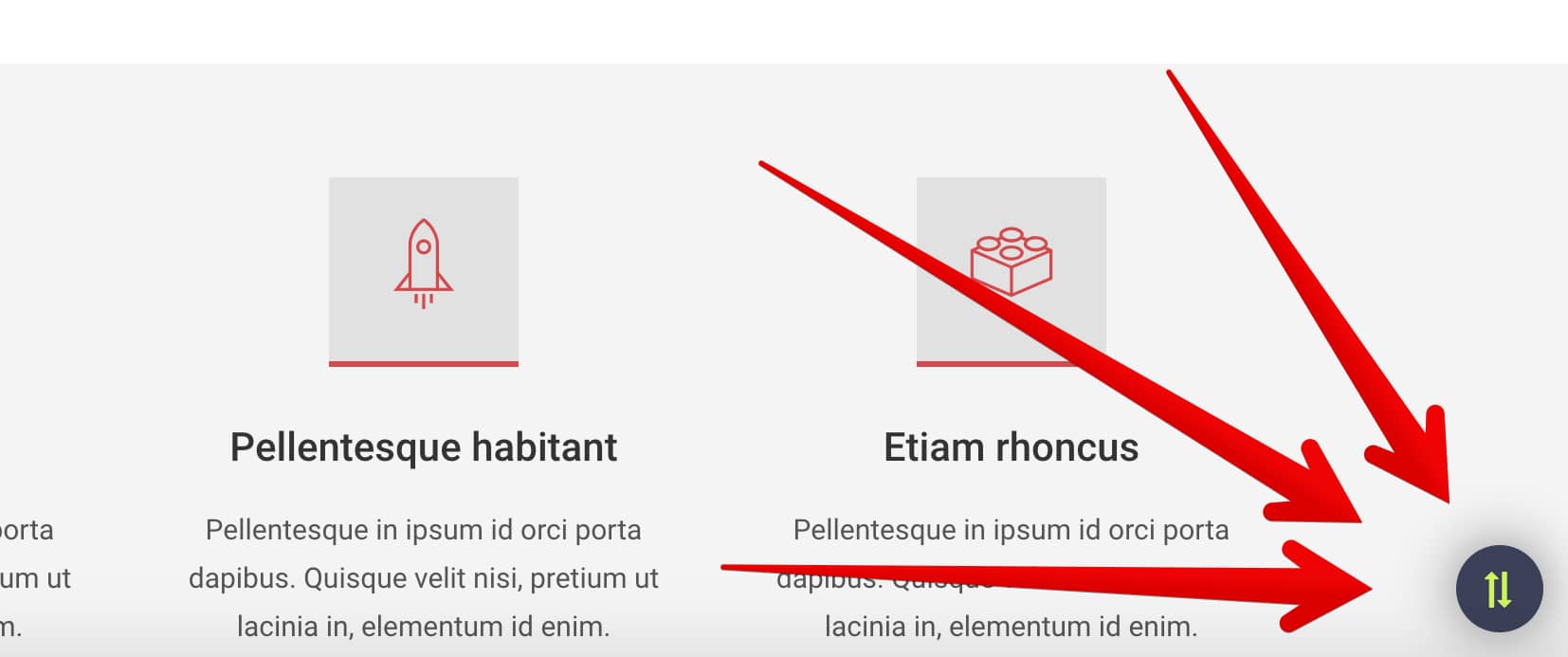
- Click the "Import/export" button (bottom right) .
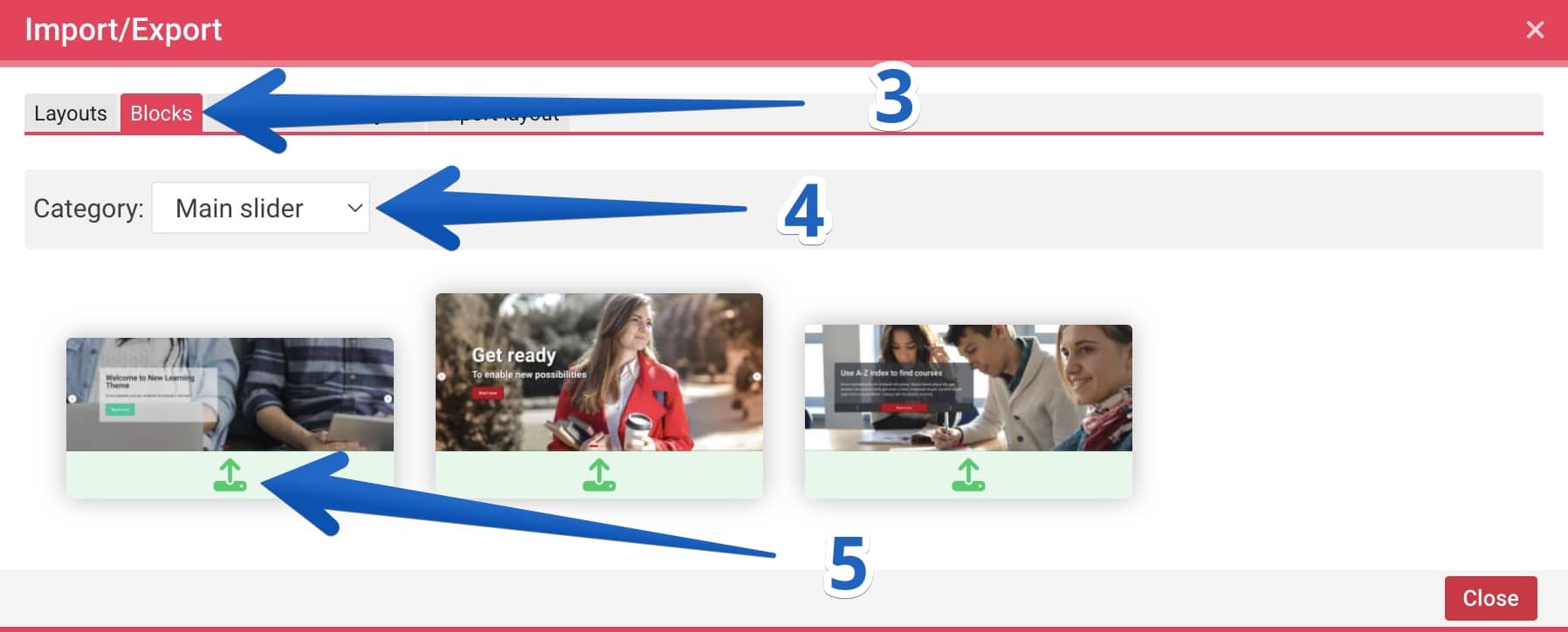
- Click the "Blocks" tab.
- Select category "Main slider".
- Import slider element.
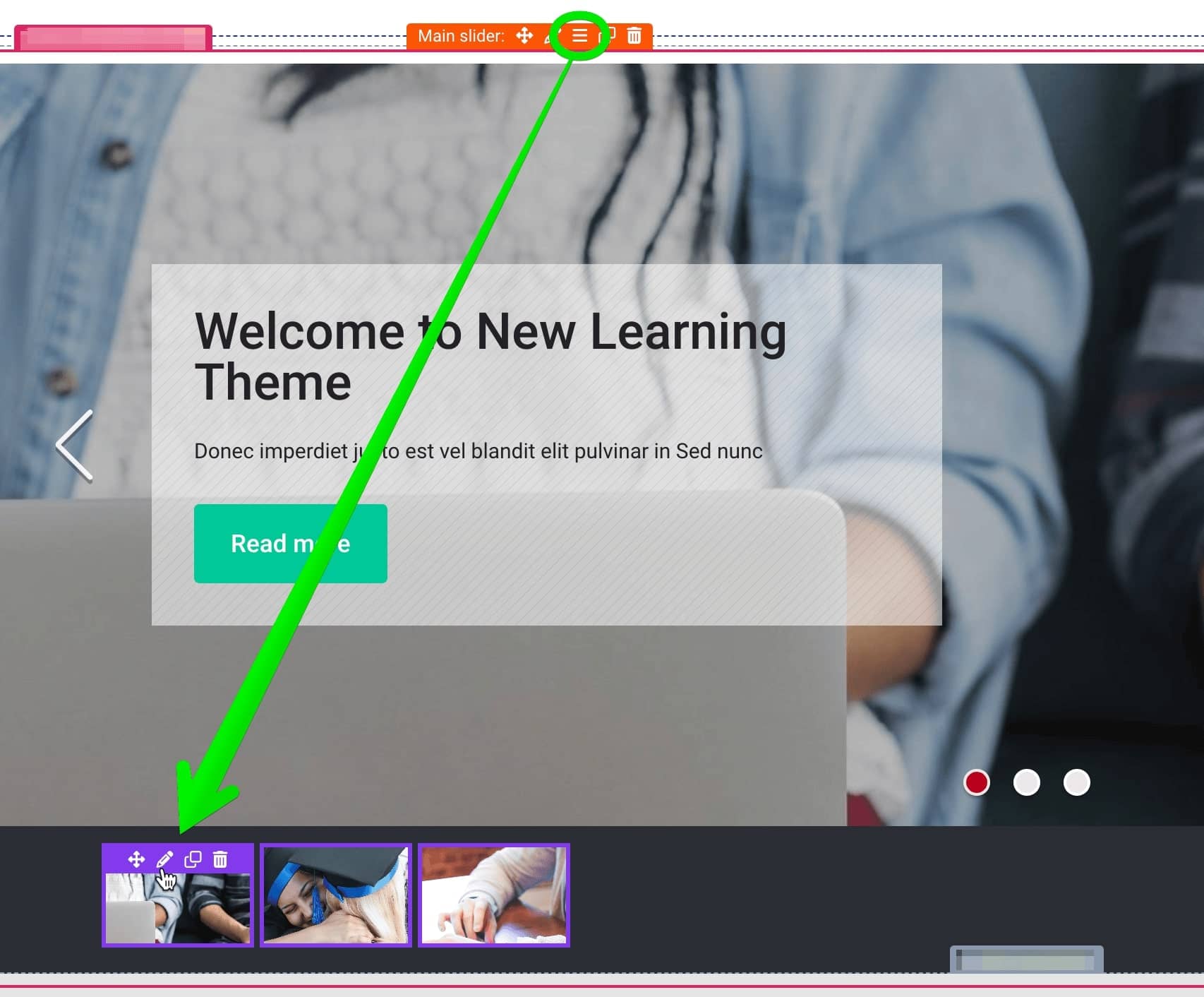
Manage slides
To manage slides click the "bars" icon and then change slides like you want.