Quickstart guide
Last updated: August 17, 2026
Quickstart guide video
Install and active theme
Install page builder plugin
Import pre-built home page
To import pre-built home page:
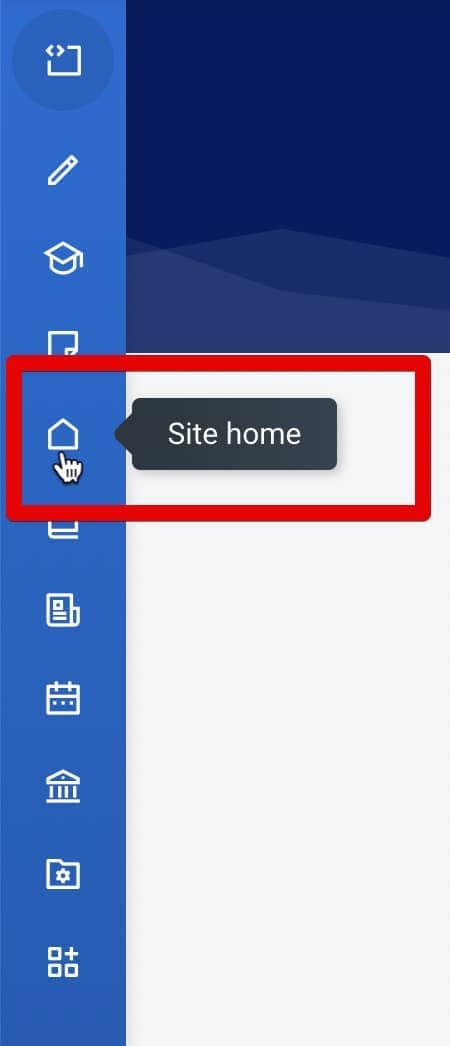
- Go to the front page (Site home) . If you can’t see the "Site home" link, go to Site administration > Appearance > Navigation and check the "Enable Home" option.
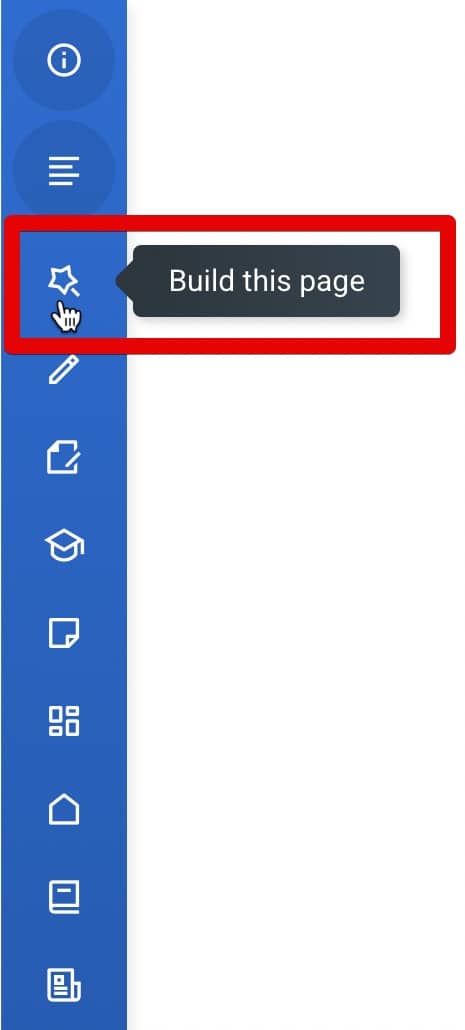
- Click the "Build this page" link . If you can't see this link, make sure that Moodle editing mode is turned OFF.
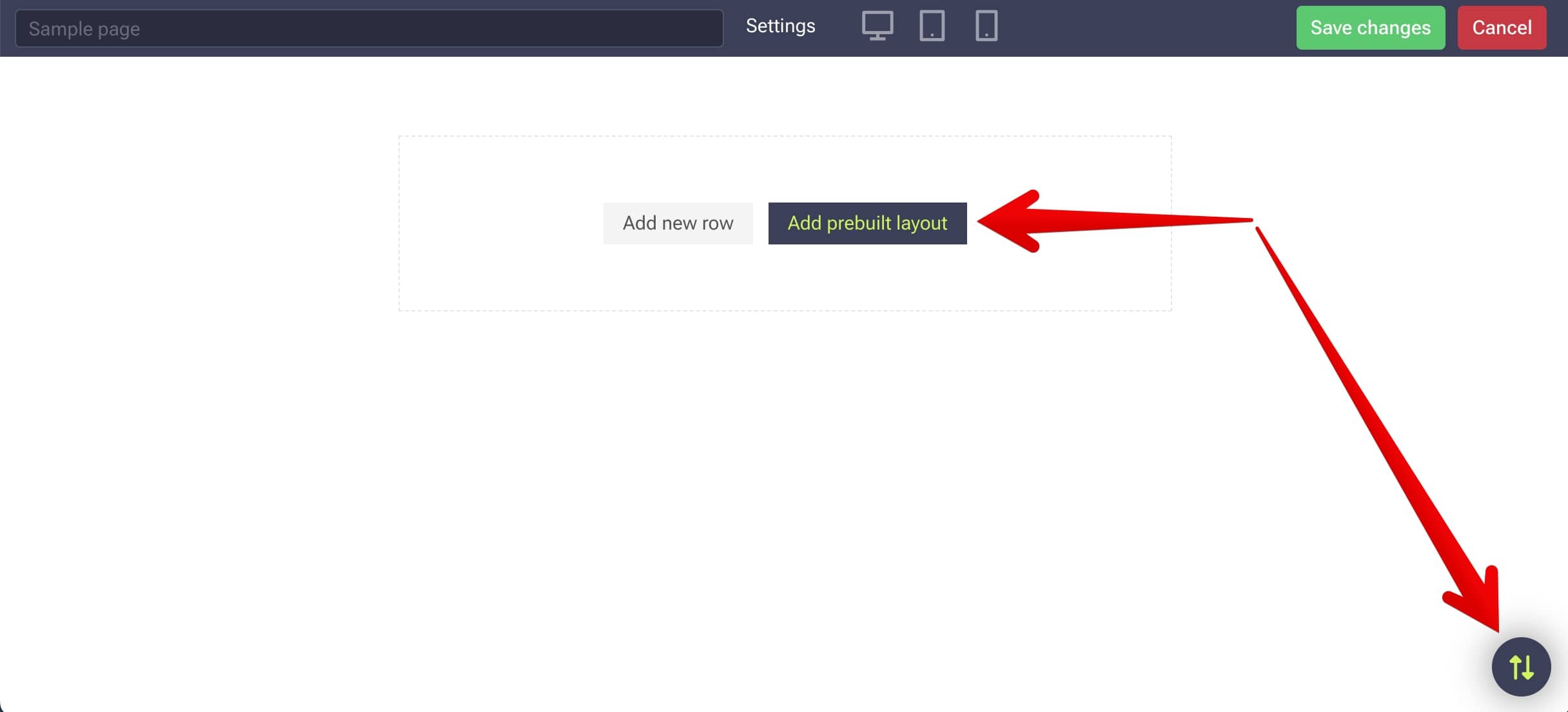
- Click the "Add prebuilt layout" button .
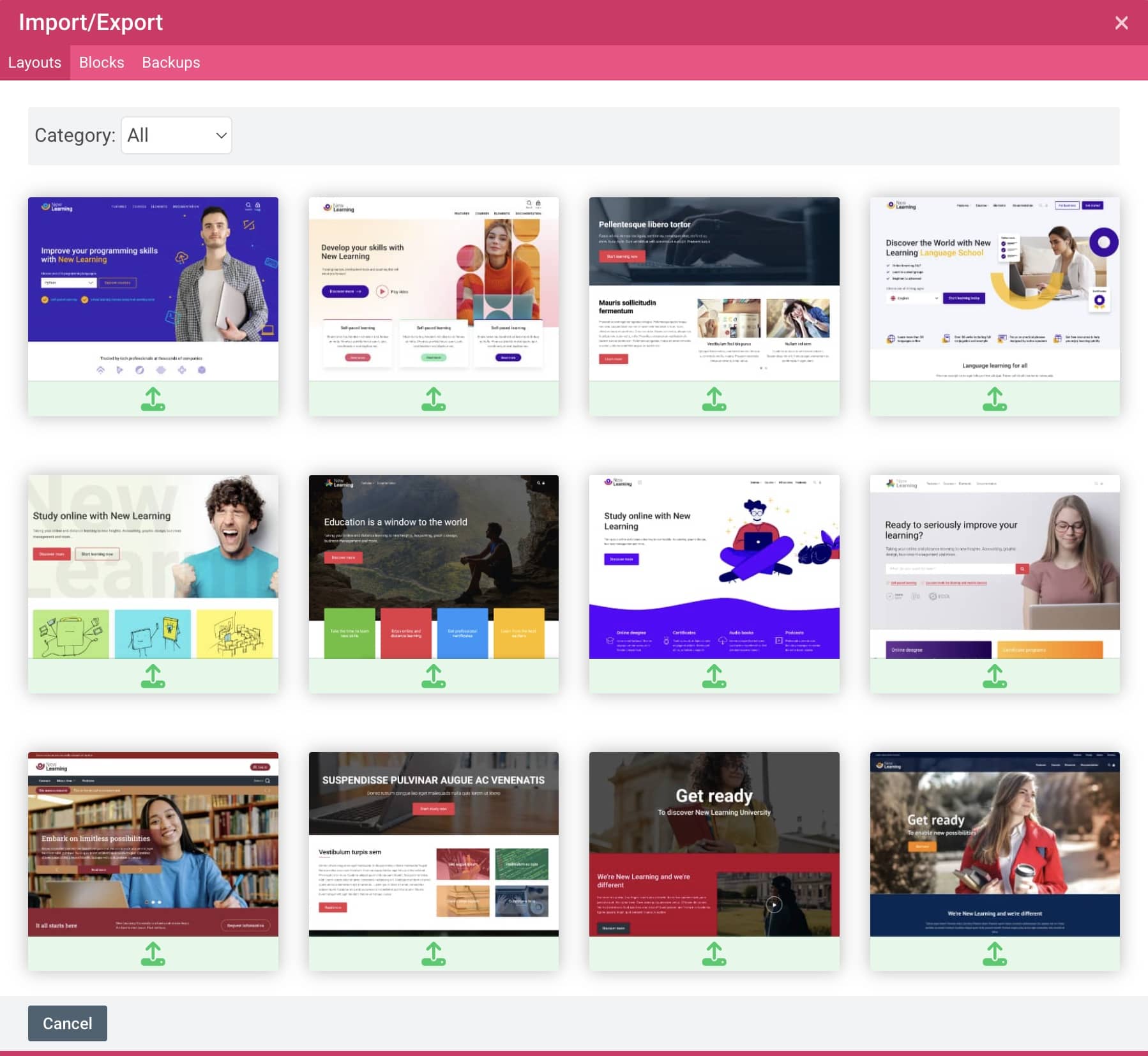
- Import selected layout .
- Click the "Save changes" button in the top toolbar.
Create a footer
Enable Auto-login guests
If your Moodle site is restricted to logged-in users, you can skip this setting.
If your Moodle site is accessible to visitors without requiring them to log in, you need to enable the "Auto-login guests" feature to use theme features such as the all courses page with filters or course enrolment page.