Course enrolment page
What is a course enrolment page?
The course enrolment page is where users can enroll in a course. On this page, users can view course details such as the description, course sections, instructors, and more - but they cannot participate in the course yet. The course enrolment page is a great feature not only for selling courses but also for enhancing your courses and making them more attractive.
Enable course enrolment page
To enable course enrolment page:
- Go to: Theme settings > Courses > Course enrolment page.
- Set the "Layout" option.
Preview course enrolment page
To preview course enrolment page:
- Go to course.
- Then go to "Participants" and make sure you're NOT enrolled in the course.
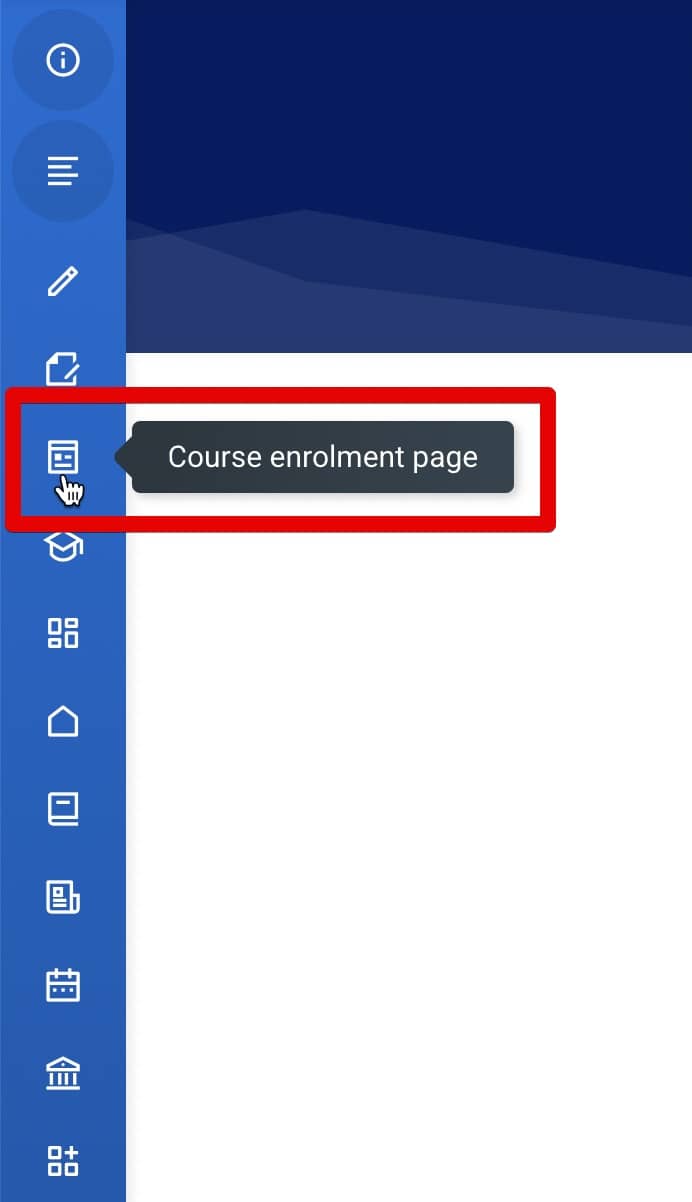
- Click the "Course enrolment page" link .
Add the "about the course" text
To add the "about the course" text:
- Edit course settings.
- Add a short description into the "Course Summary" text area.
Add course intro text
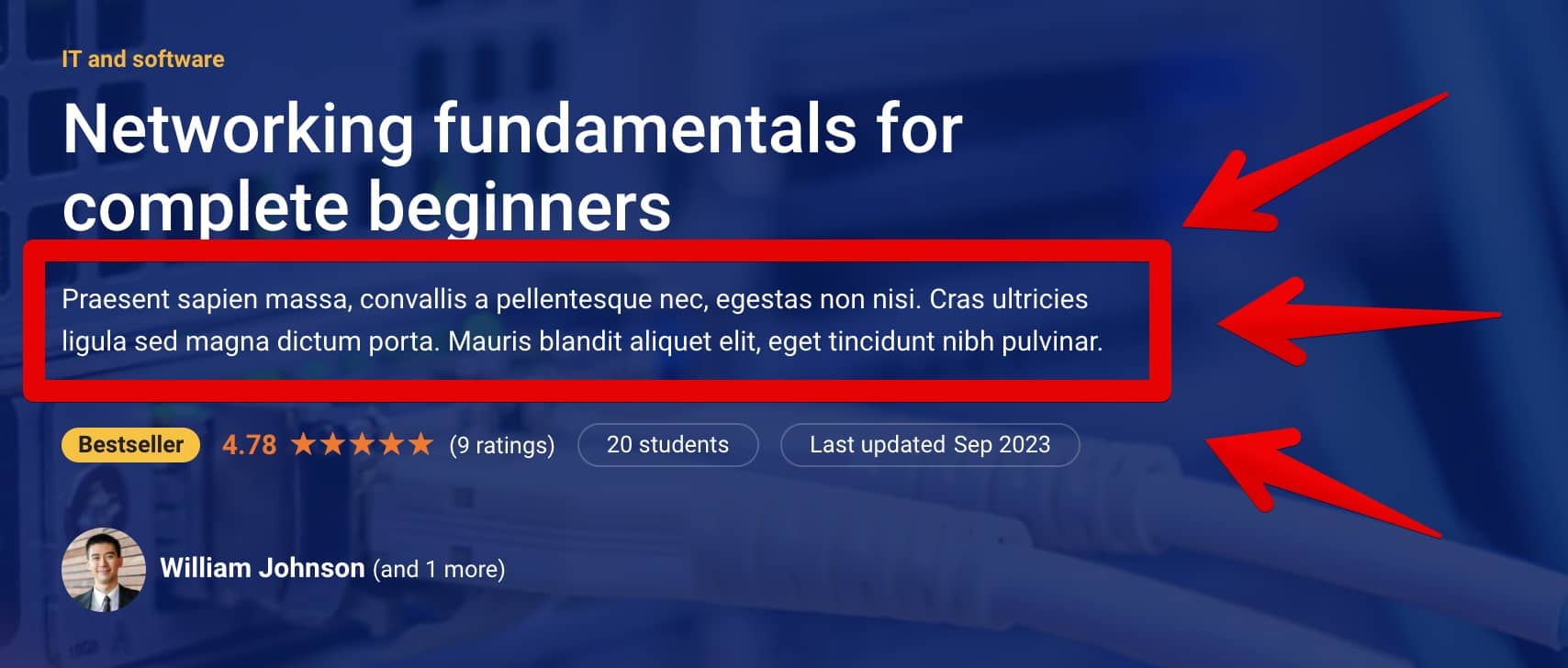
Intro text is a short text below the course title . By default, intro text is the first sentence of the course summary. If you want to add custom intro text, use the mb2intro field.
Add course video
To add course video, use video custom fields:
- mb2video field - to add web video (YouTube, Vimeo, aparat.com).
- mb2video_local field - to add local video file.
Add the "what you'll learn" section
To add the "what you'll learn" section, use the mb2skills field.
Add the "course content" section
To add the "course content" section:
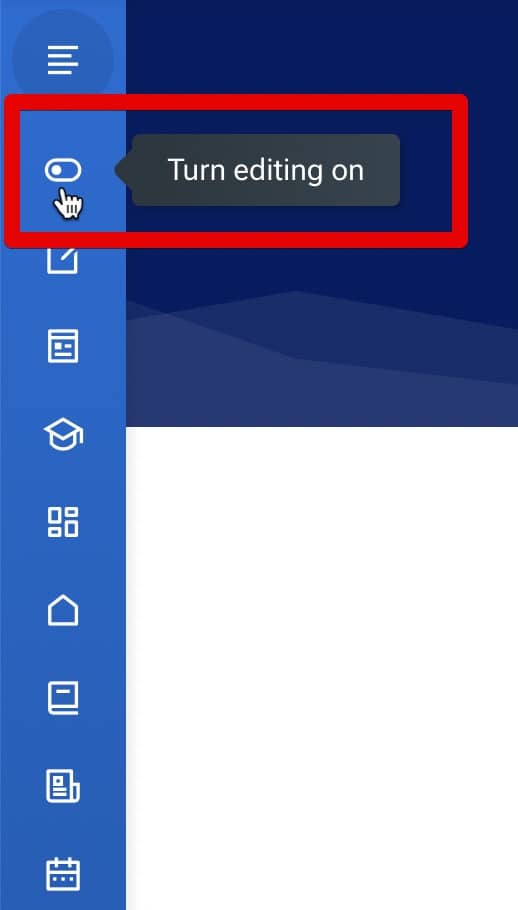
Moodle documentation: Add_course_sections .
Add course instructors
To add course instructors:
- Go to course.
- Then go to "articipants".
- Enrol user into the course with the "Teacher" role.
Course rating stars and reviews
Read documentation about the Course rating.
Course custom fields
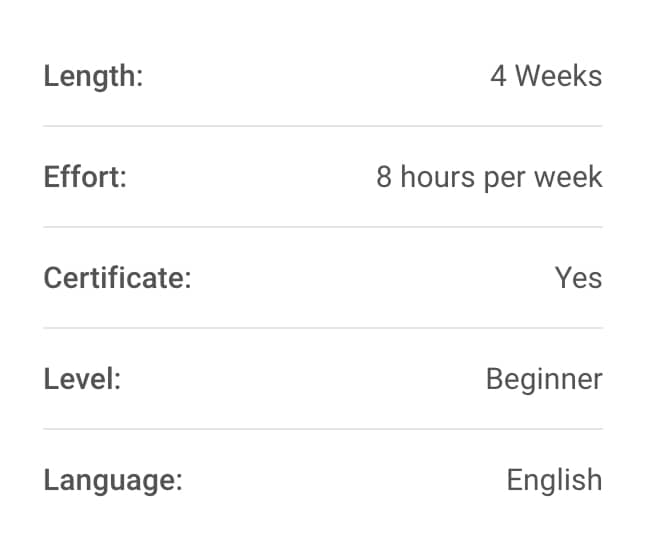
Course custom fields have been a core Moodle feature since Moodle 3.7. Watch the video below to learn how to add course custom fields.
Moodle documentation: Course custom fields .
Make course enrolment page visible for the site visitors
To make the course enrolment page visible to site visitors without requiring them to click the "Log in as a guest" button, you need to enable the "Auto-login guests" feature.