Configure course homepage layouts
Last updated: October 10, 2026
What is a course homepage?
The course homepage is a page that is displayed to enrolled users (students and teachers). It presents the course description and a list of course activities.
Moodle documentation: Course homepage .
Set the default course homepage layout
To set the default course homepage layout for all courses:
- Go to: Theme settings > Courses > Course page.
- Set the "Layout" option.
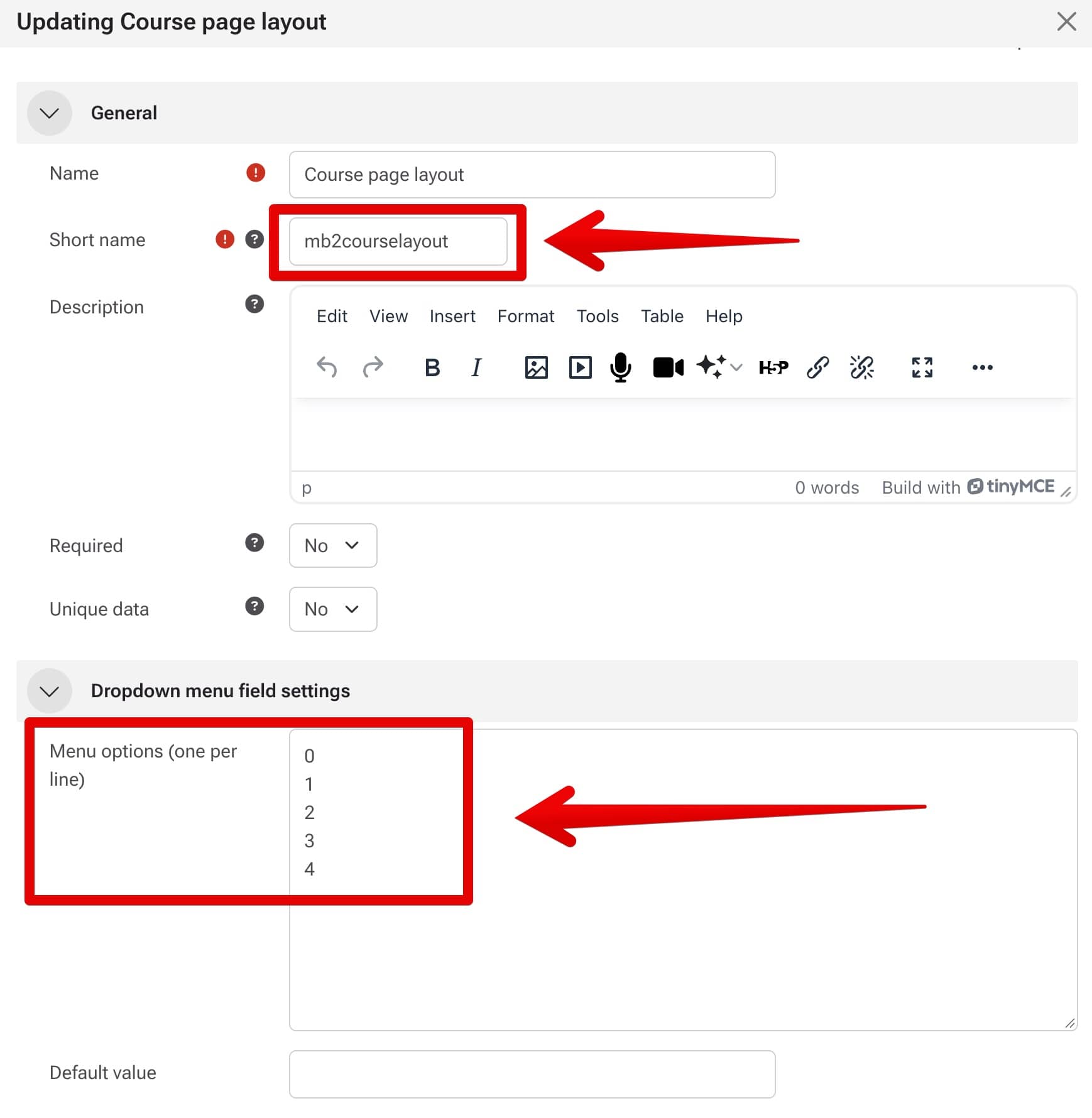
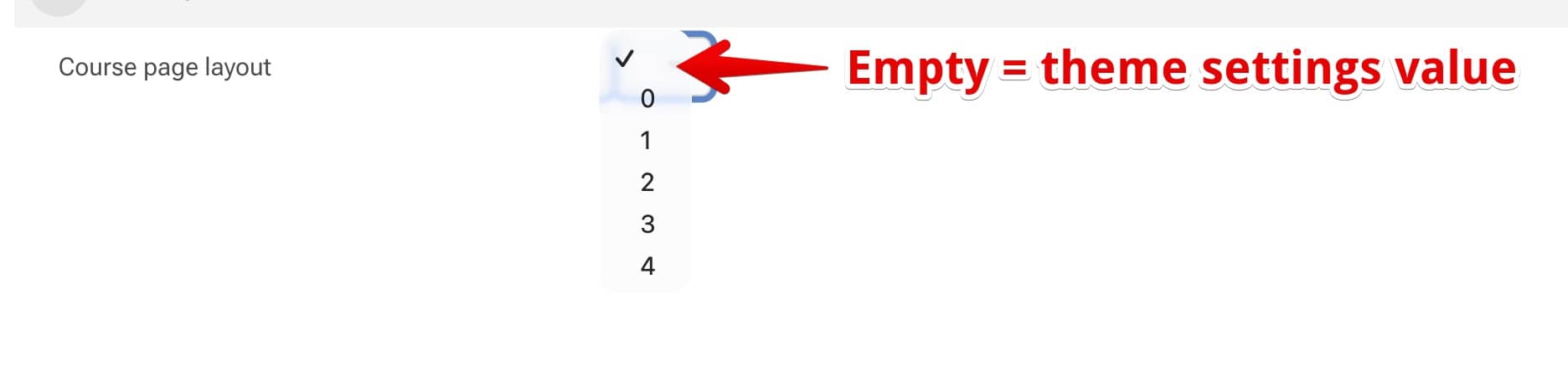
Set a different layout for an individual course
To use a different course homepage layout for a specific course: